
Videosaverr.com · YouTube Shorts Downloader
YouTube Shorts Downloader
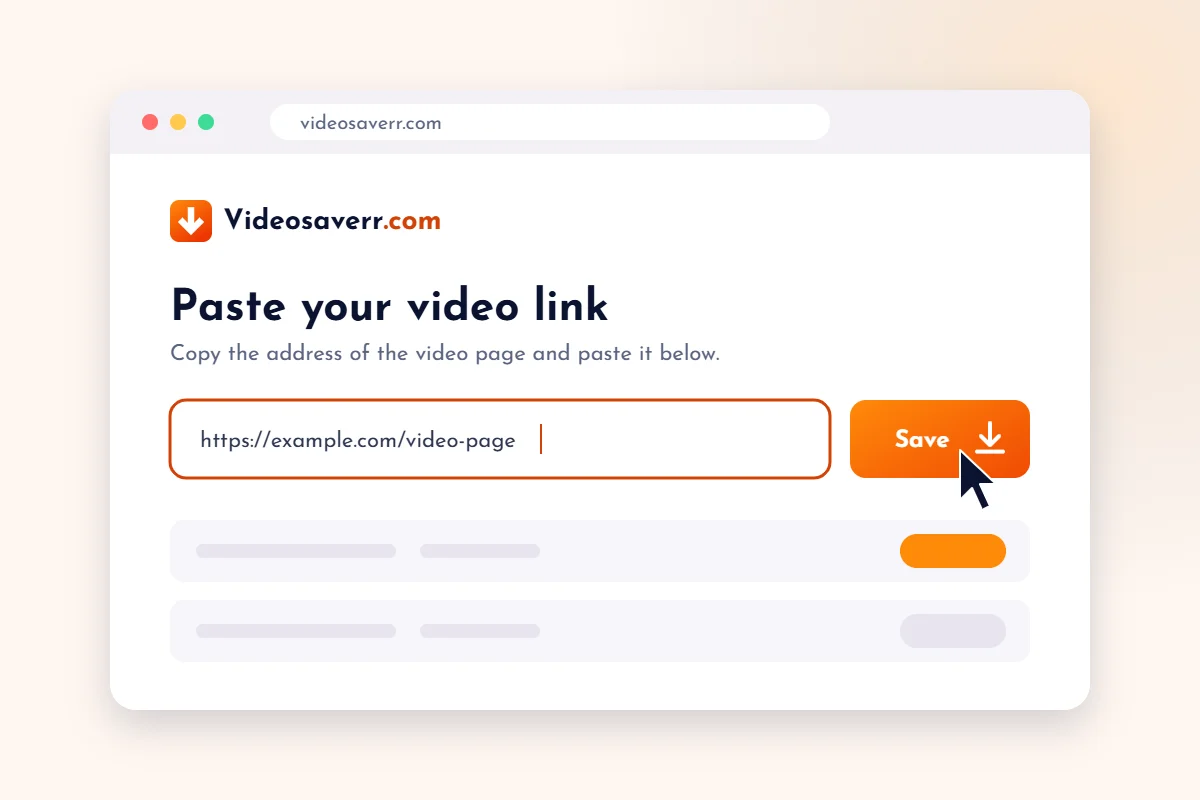
Save YouTube Shorts from a link. Paste the Short’s URL into the box below and press Download.
By using our service you accept our Terms of Use and Privacy Policy.
How to save a YouTube Short
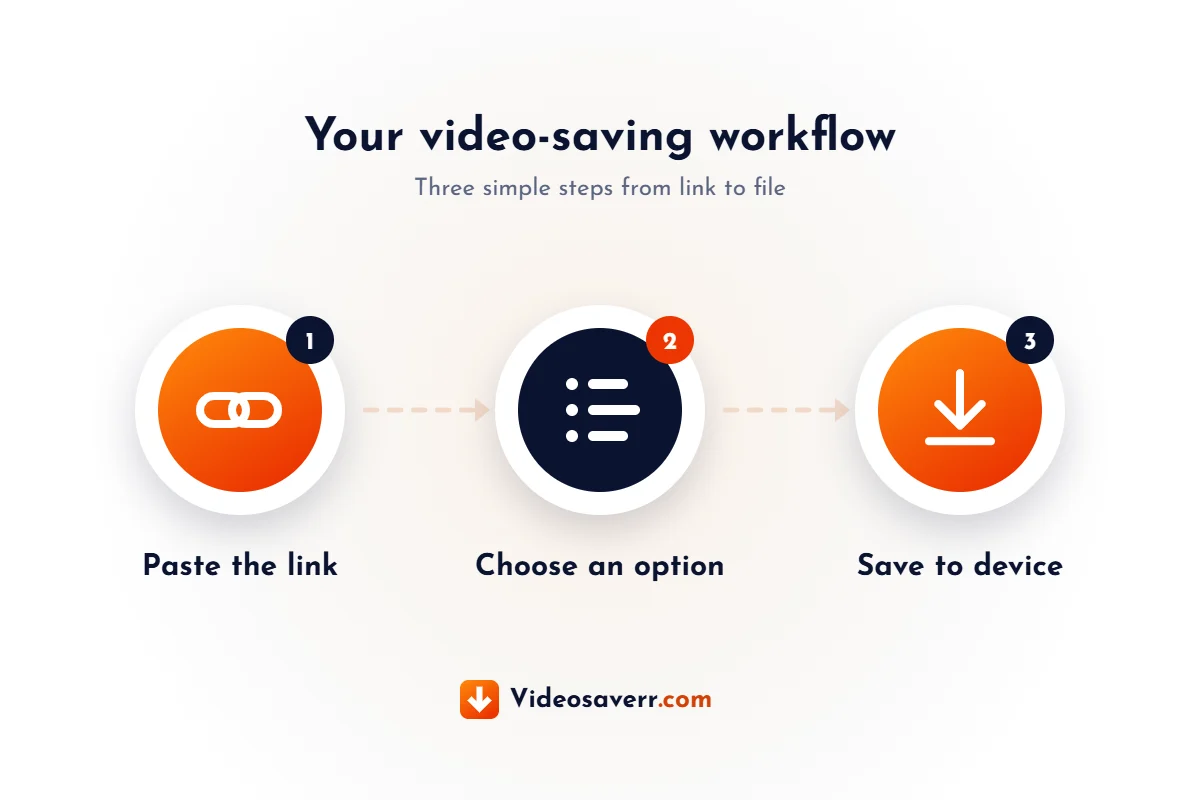
- Copy the linkOpen the Short, tap Share and choose Copy link.
- Paste it abovePaste the YouTube Short link into the box and press Download.
- Save to your deviceThe file goes to your browser’s usual downloads folder.
YouTube Shorts Downloader
Save YouTube Shorts with just a link
On YouTube, short vertical videos are called Shorts, but many people search for them as YouTube reels. The Videosaverr YouTube Shorts Downloader is built for exactly these short clips: you start with the link to the Short and follow a short, guided process.
There is nothing to install. Everything happens in your web browser, on a computer, tablet or phone. See the steps below, or read the general Videosaverr FAQ.
Want to save a different kind of video? Try the Facebook Reels Downloader or the Instagram Reels Downloader.
Videosaverr is not affiliated with YouTube. Only download Reels you own, that are licensed for download, or that you have permission to save, and follow the platform’s terms of service.
Step by step
How to download a YouTube Short
Follow these three steps on any device.
Copy the Short’s link
In the YouTube app or website, open the Short, tap Share and choose Copy link. Shorts links usually contain “youtube.com/shorts/”.
Paste it into Videosaverr
Scroll to the top of this page, paste the link into the box and press Download.
Save the video
Choose from the options shown for that Short and save the file to your device.
Good to know
Tips for saving YouTube Shorts
Use the full Shorts link
Copy the link from the Share button so it includes the complete address, not just the channel page.
Make sure the Short is public
Private, removed or age-restricted Shorts may not be saved. Check that the Short plays normally in your browser.
Respect creators
Many creators earn from their Shorts. Ask permission before reusing someone else’s video and give credit where it is due.
FAQ
YouTube Shorts Downloader FAQ
Are YouTube reels and YouTube Shorts the same?
Yes. YouTube calls its short vertical videos Shorts. “YouTube reels” is a common name people use when searching for them.
Where do I find the link to a YouTube Short?
Open the Short, tap the Share button and select Copy link. On a computer you can also copy the address from the browser’s address bar.
Can I use this on my phone?
Yes. The page works in mobile browsers, so you can copy the link in the YouTube app and paste it here.
Is it allowed to download YouTube Shorts?
It depends on the video and on YouTube’s terms. Only save Shorts you own or have permission to download. This is general information, not legal advice.
More tools
More downloaders from Videosaverr
Use the same simple, link-based process for other platforms, or go back to the Videosaverr homepage.
Facebook Reels Downloader
Save public Facebook reels by pasting the reel’s link.
Instagram Reels Downloader
Save public Instagram reels by pasting the reel’s link.
Ready to save a YouTube Short?
Copy the link from the Share button, then paste it into the box at the top of this page.